
Your work.
Your people.
Your next move.
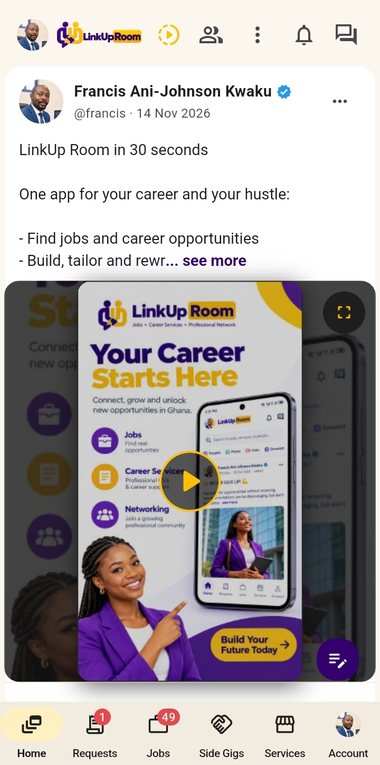
LinkUp Room brings jobs, scholarships, CV help, Side Gigs and the right professional connections into one place. Use it on the web today, or join the Android test and help us polish the app before launch.
Free to join. Works on Android, iPhone and computer. No download needed for the web app.
A closer look
Made for the way people actually look for work here
Not another feed with no follow-through. LinkUp Room connects the opportunity, the document and the people who can help you get it.
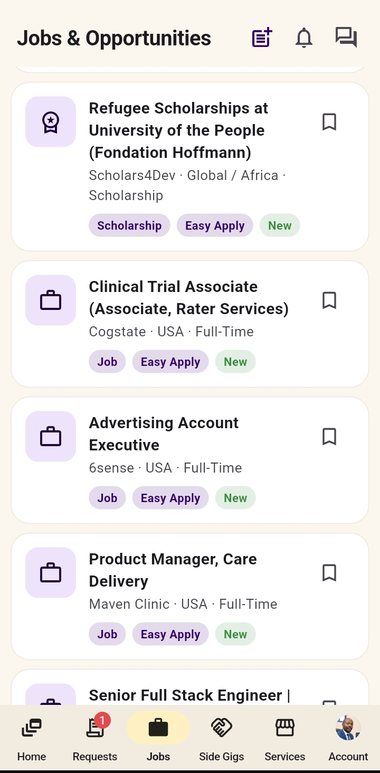
Find something worth applying for
Jobs, scholarships, internships and remote roles from official sources. Our team reviews each one before it goes live, so you spend less time sorting through noise.
Get the document right, not just written
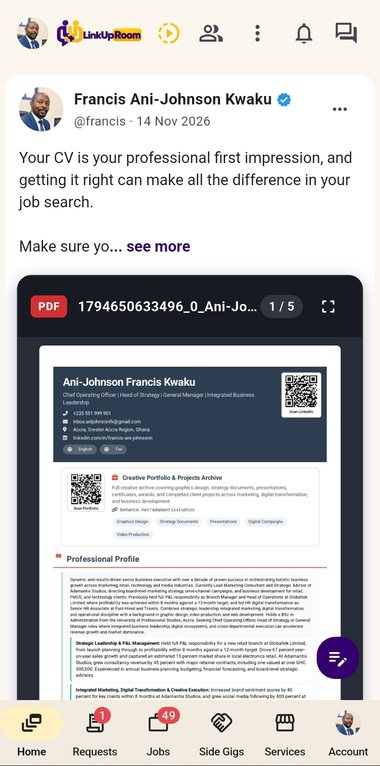
Upload your current CV, choose what you need, and see the price before work starts. Our writing team handles CVs, cover letters, LinkedIn profiles, scholarship essays and more.
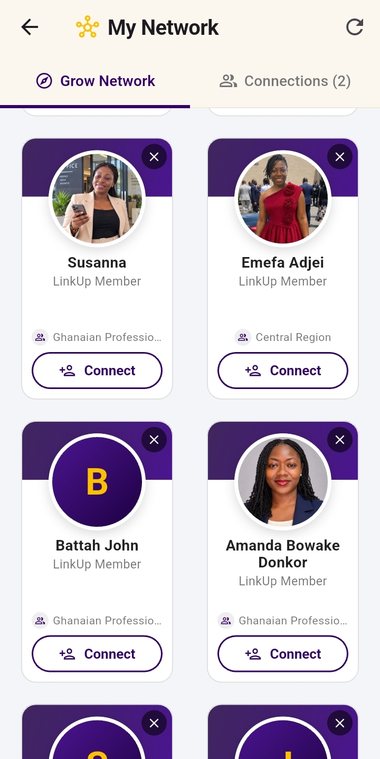
Build a network that answers back
Create a proper professional profile, share your CV link, connect with people in your field, and keep up with what they are working on.
Also inside
Your work, visible
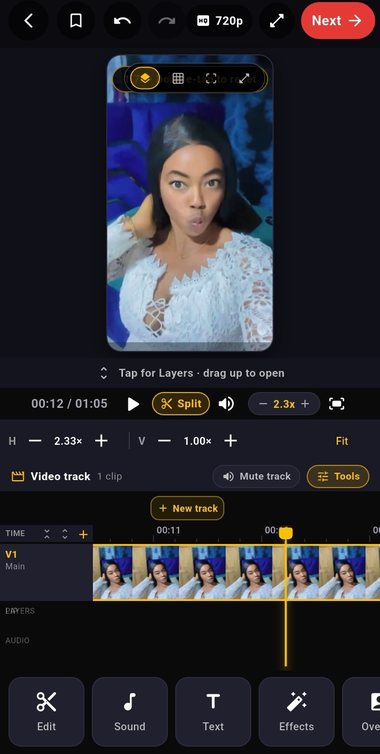
Post updates, photos, documents and short Reels. Let employers see more than a CV file.
Side Gigs and Services
Find help with a CV, design, writing, admin or a small project — or offer your own skills.
Android closed test
Want the app before everyone else?
We are testing the Android build with Google Play. If you would like to help, join the tester group first, then join the test with the same Gmail account. It takes about a minute.
This has to be done first, with the same Google account you use on Play Store.
Join the Google GroupOpen the Play testing page, tap “Become a tester”, then install LinkUp Room from Google Play.
Open the Play testPlease keep the app installed for at least 14 days and open it occasionally. That helps us meet Google’s testing requirement and gives us time to fix what you find. If you only want to use LinkUp Room, skip this and use the web app — no test needed.
Stuck? If Play says “App not available”, check that you joined the group first and that Chrome is signed into the same Gmail account as Play Store. Then refresh the test page. Still stuck? WhatsApp or SMS +233 24 279 9990.
No testing required
Just want to use it now?
The web app is the full product, not a preview. Open it in Chrome or Safari on your phone, or on a computer. Same account, same jobs, same CV tools.
On your phone
Tap the button below, then add it to your home screen if you want it to feel like an app.
Open the web appOn your computer
The layout adapts to a wider screen: feed in the middle, profile and tools around it.
Open on desktopStraight answers
Questions people ask
Is LinkUp Room free?
Joining and using the network is free. You only pay for career documents you ask our writing team to produce, at the price shown before work starts.
Do I need to test the Android app?
No. Testing is optional. If you just want to use LinkUp Room, open the web app on any phone or computer.
Will the Android test replace the app I have?
The test installs the same LinkUp Room app through Google Play. When the public version is released, updates continue through Play.
Does it work on iPhone?
Yes, through the web app. Open linkuproom.com/app in Safari. The iOS store build is still in progress.
Can I use the same account everywhere?
Yes. Use the same login on the Android app and the web app.
How do I pay for a CV or document?
Pay by Mobile Money or card through Paystack, or send Mobile Money directly and enter the transaction ID. Your request moves forward once payment is confirmed.
Start with the web app.
No download, no tester steps. You can always install the Android app later.